为什么要做这个
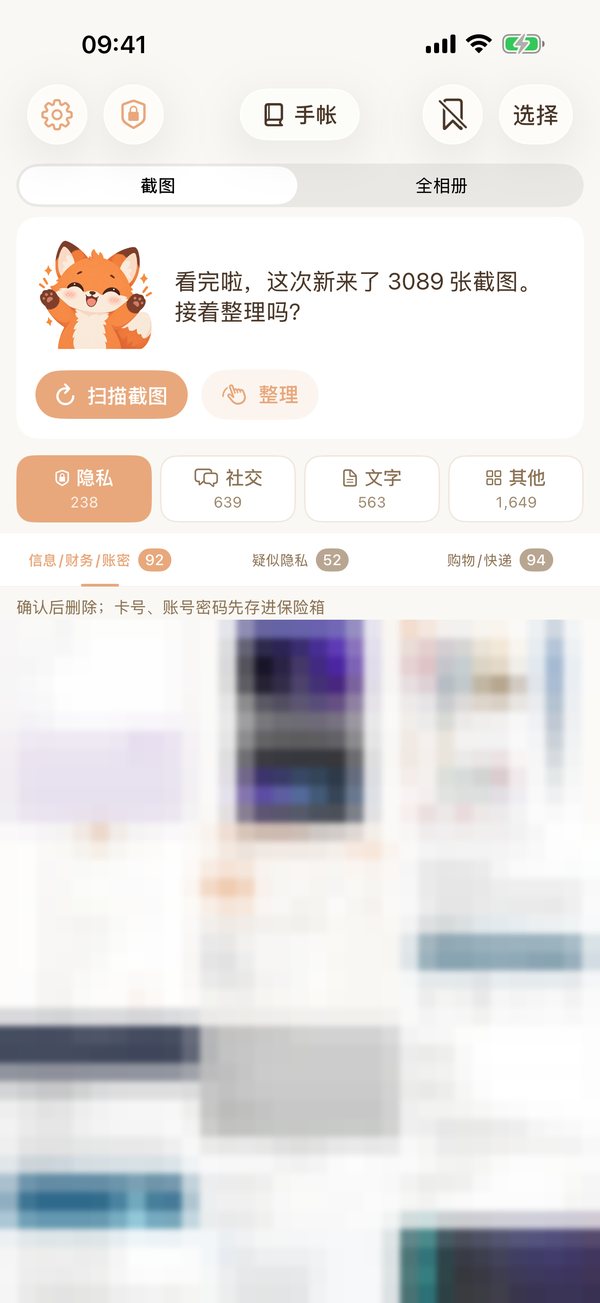
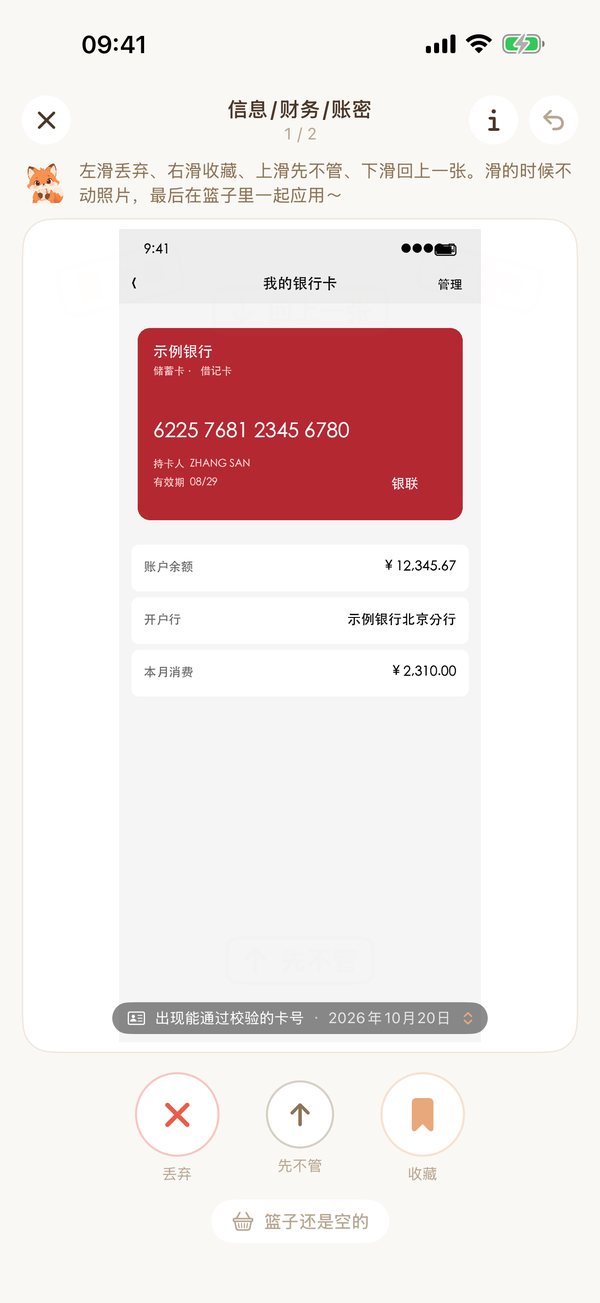
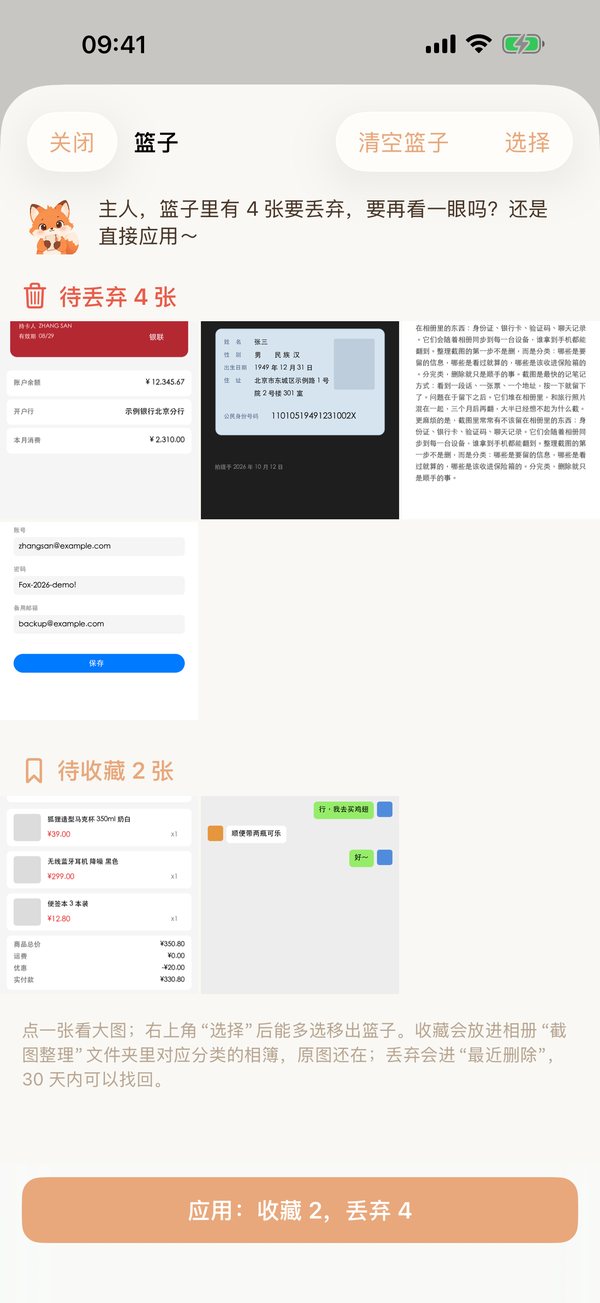
作者的相册里攒了 3000 多张截图:银行卡号、收款账户、只出现一次的 access token、想珍藏的聊天记录……每次要用都得翻半天,再靠系统识别一遍字,iCloud 也快满了。
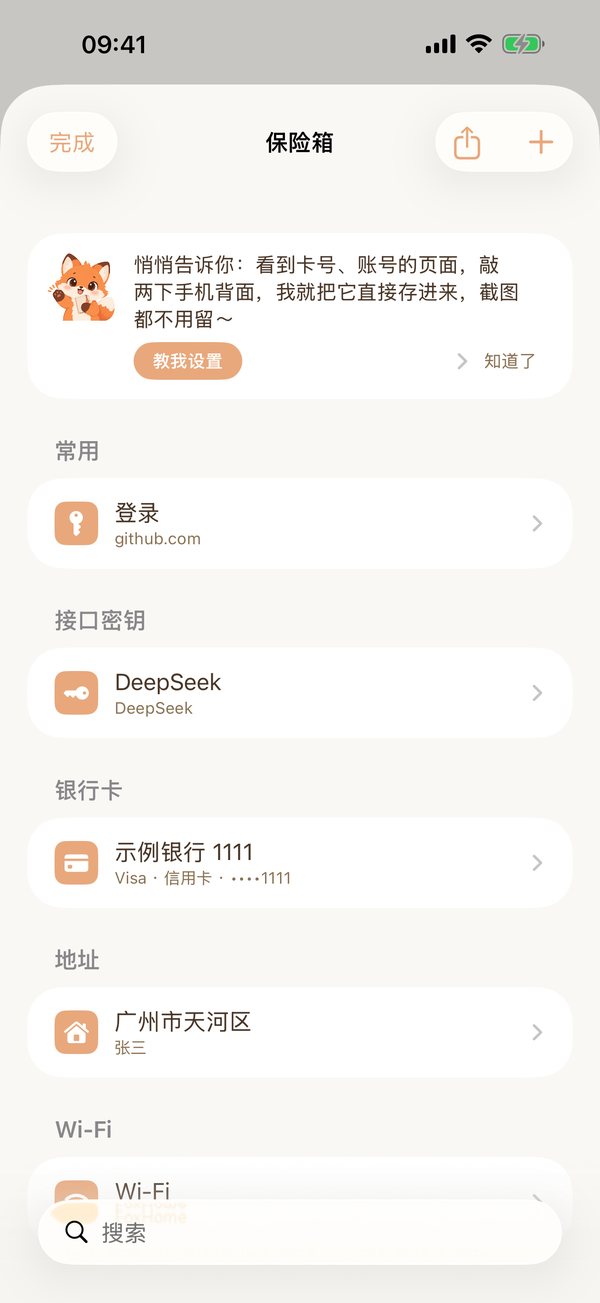
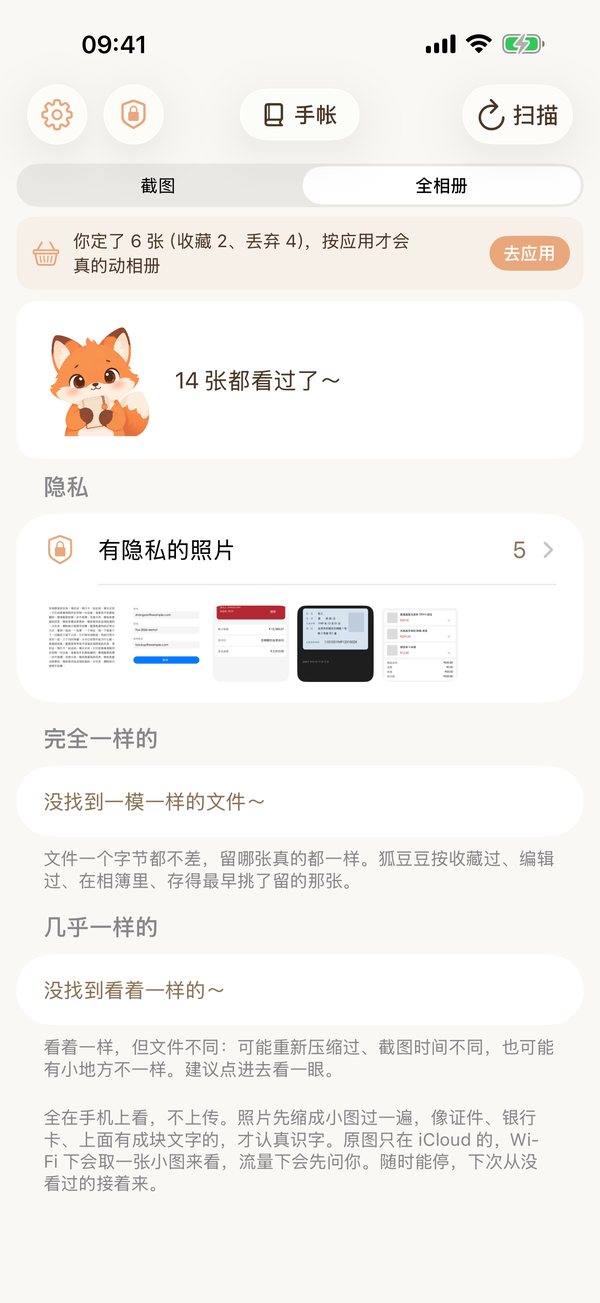
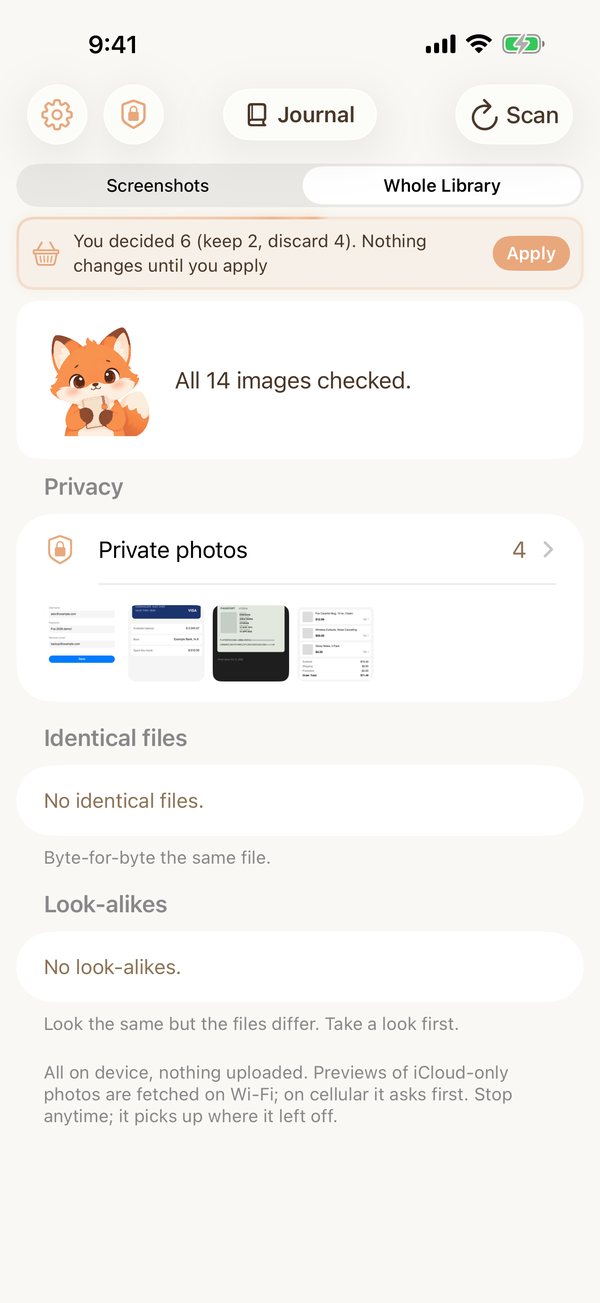
更让她不安的是,这些图跟着相册同步到了好几个云盘。找过别的整理 App,分类总是不合心意,于是她自己做了一个:替她看完每一张截图,把隐私收进保险箱,看过的图一张都不带出这台手机。
狐豆豆是做它的时候诞生的。它不是工具,是陪着你的小助手:陪你把几千张截图一张张看完,把要紧的东西替你收好。
Why we built it
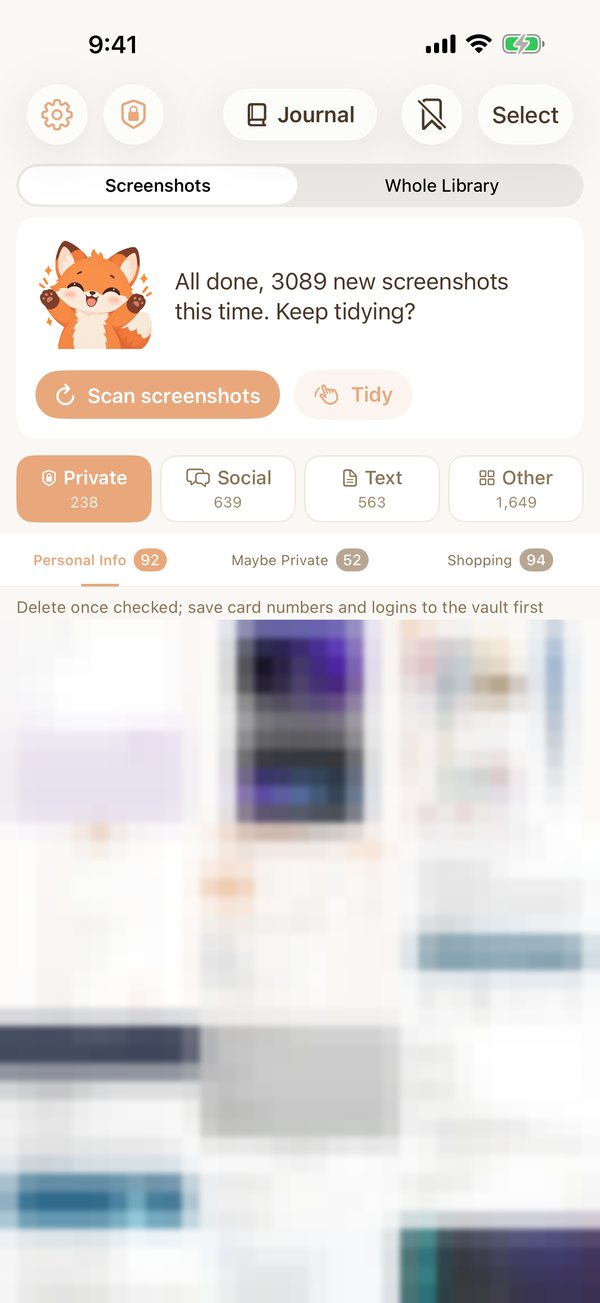
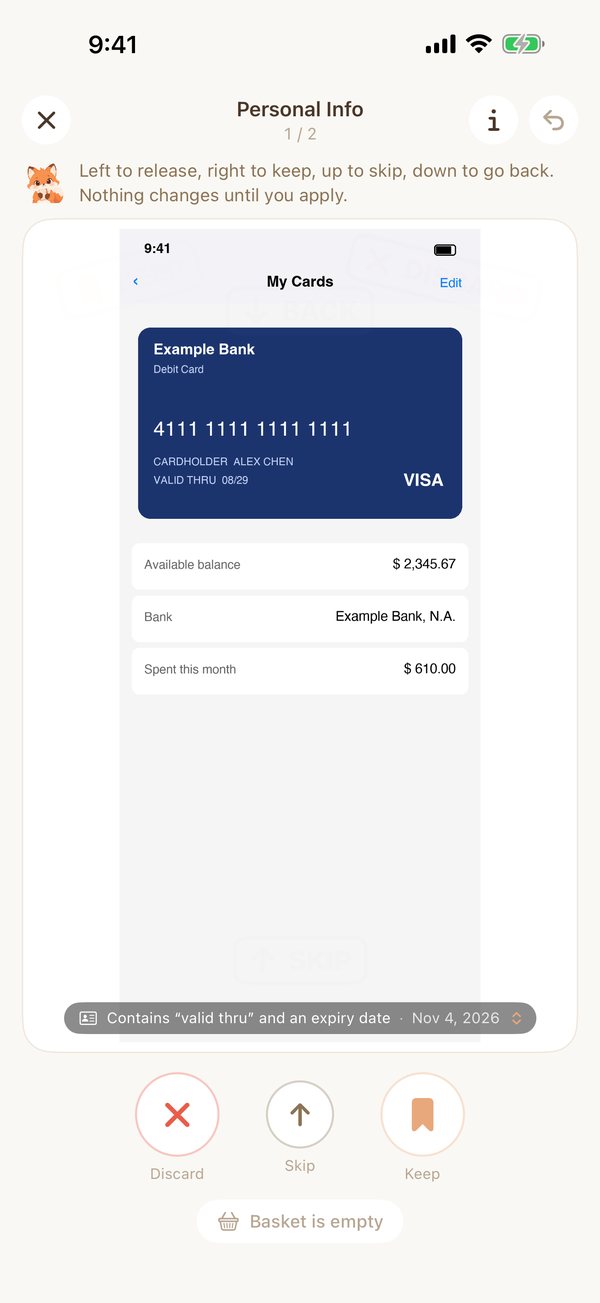
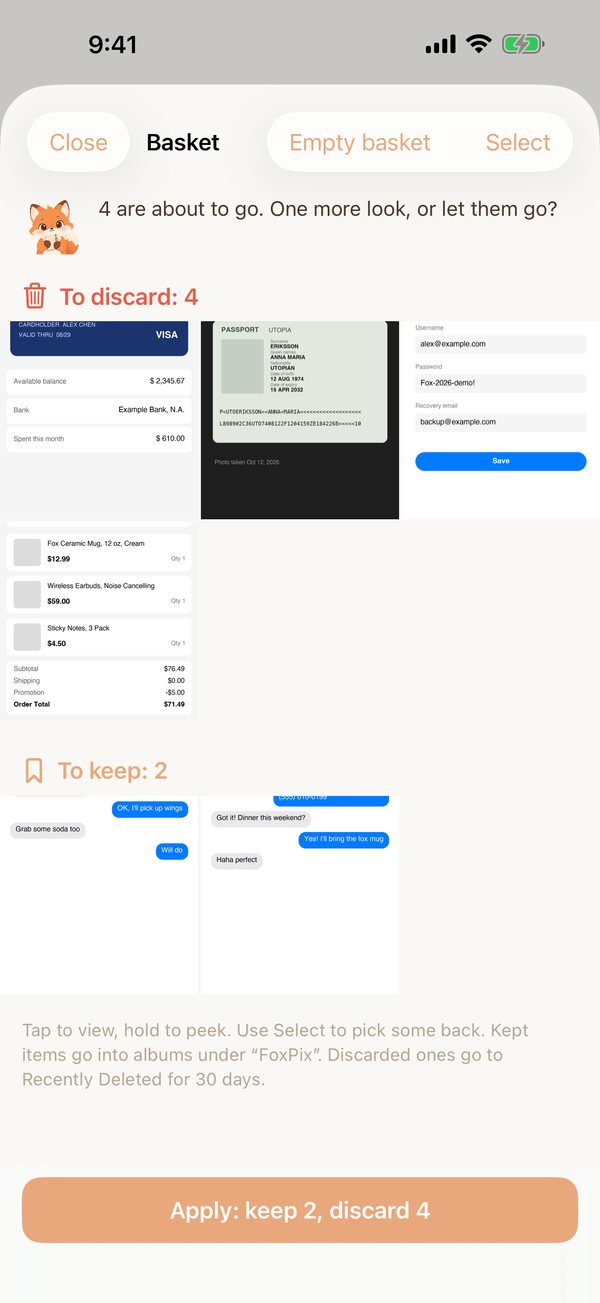
The developer had over 3,000 screenshots: card numbers, payment details, access tokens shown only once, chats worth keeping. Finding one meant scrolling forever, then copying text out of it, and iCloud was nearly full.
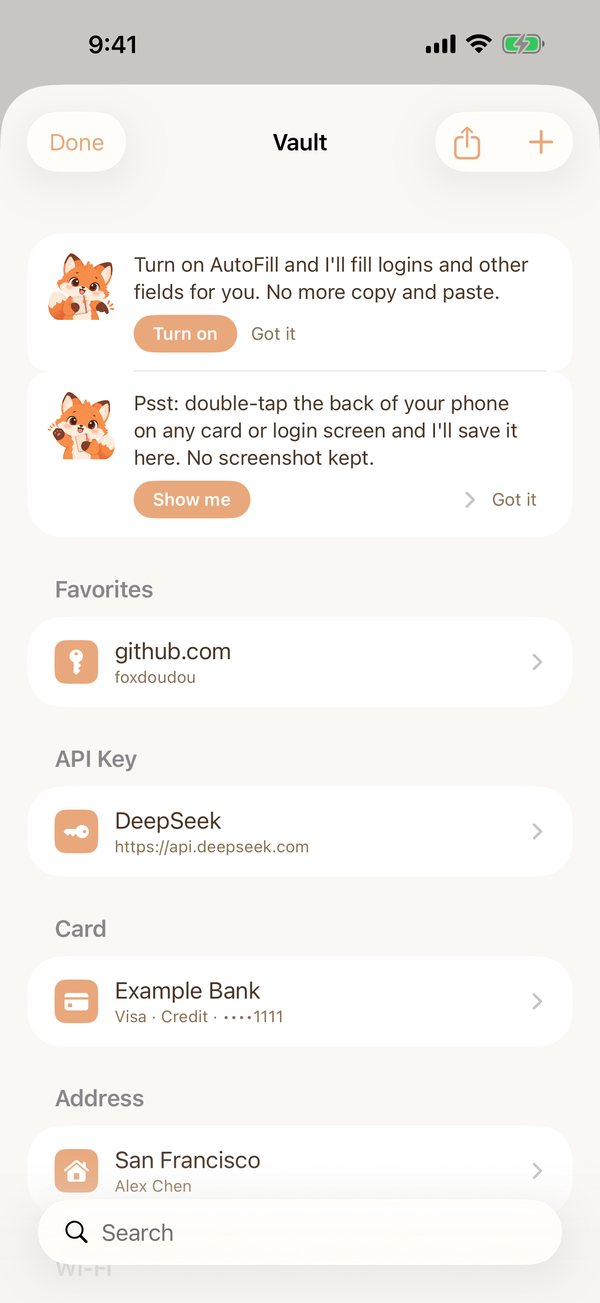
Worse, all of it was syncing to several cloud drives. Other organizer apps never sorted things the way she wanted, so she built her own: it looks through every screenshot, puts the private ones in the vault, and never takes a single image off the phone.
Doudou was born while she was building it. It isn't a tool. It's a little helper that keeps you company, going through thousands of screenshots with you and keeping the important things safe.
常见问题FAQ
它会上传我的截图吗?
不会。识字、分类、保险箱都在手机上完成,App 没有服务器,开飞行模式也能用。详见隐私政策。
Does it upload my screenshots?
No. Recognition, sorting and the vault all run on-device; the app has no server. It works in Airplane Mode. See the privacy policy.
为什么要「完整相册权限」?
只有完整权限才能找到所有截图、把丢弃的照片删掉。删除永远要你先点「应用」再确认系统弹窗,删掉的进「最近删除」,30 天内能找回。
Why full photo access?
Only full access can find every screenshot and delete the ones you discard. Deletion always happens after you tap Apply and confirm the system dialog; deleted photos stay in Recently Deleted for 30 days.
保险箱的东西存在哪?
iOS 系统钥匙串。默认随你的 Apple 账户在你的设备间同步(端到端加密),设置里能关。
Where are vault items stored?
In the iOS Keychain. They sync between your own devices through iCloud Keychain (end-to-end encrypted) by default; you can turn that off in Settings.
识出来的字存在哪?会进备份吗?
存在 App 自己的数据库里,只在这台手机上,用来分类和一键存进保险箱。原图删掉以后,回到 App 时对应的记录会一起清掉(全相册里的照片是打开「全相册」时清)。开着 iCloud 云备份的话,这个数据库会跟着手机一起备份;不想让它进备份,在「设置」→ 你的名字 →「iCloud」→「管理账户储存空间」→「备份」→ 这台 iPhone 里关掉「狐理狐图」就行。保险箱里的东西不在这个数据库里,在钥匙串里。
Where is the recognized text stored? Is it backed up?
In the app's own database, only on this phone. It's used for sorting and for saving to the vault in one tap. Once a photo is deleted, its record is cleared the next time you return to the app (for Whole Library, when you open Whole Library). If iCloud Backup is on, this database is backed up with your phone; to leave it out, go to Settings → your name → iCloud → Manage Account Storage → Backups → this iPhone and turn off FoxStash. Vault items aren't in this database; they're in the Keychain.
为什么狐理狐图会申请「无线局域网与蜂窝数据」权限?
开了「优化 iPhone 存储」的话,有些照片的原图只在你的 iCloud 上。狐理狐图要看清这类照片,会请系统相册从 iCloud 把它取下来,这算 App 用了网络,所以国行 iPhone 会问一次。这是下载你自己的照片,不是上传。选「无线局域网」或「无线局域网与蜂窝数据」,这些照片就能识别;选「关闭」也照常能用,只是原图只在 iCloud 上的那些暂时识别不了。之后想改,去「设置」→「狐理狐图」里换。
Why does FoxStash ask for network access (WLAN & Cellular)?
With Optimize iPhone Storage on, some originals live only in your iCloud. To read one of those, FoxStash asks the system photo library to download it, which counts as the app going online, so iPhones sold in mainland China ask once whether FoxStash may use the network. It only downloads your own photo; nothing is uploaded. Allow WLAN, or WLAN & Cellular, and those photos can be read; turn it off and everything else still works. You can change it later in Settings → FoxStash.
自动填充怎么开?
系统设置 → 密码 → 密码选项(或「自动填充密码和通行密钥」)→ 勾上「狐理狐图」。之后登录框上方会出现狐豆豆的建议,解锁就填。
How do I enable AutoFill?
iOS Settings → Passwords → Password Options (or AutoFill Passwords and Passkeys) → turn on FoxStash. Suggestions then appear above login fields; unlock to fill.
能导入哪些密码文件?
保险箱 → + → 「从文件导入」,选别的密码 App 导出的 CSV:苹果「密码」、1Password、Bitwarden、Chrome、Edge、Firefox 都认,别的只要有标题、网址、账号、密码几列也能读。导完记得把文件删掉,导入页上有按钮。
Which password files can I import?
Vault → + → Import from a file, then pick the CSV exported by your other password app: Apple Passwords, 1Password, Bitwarden, Chrome, Edge and Firefox are recognized; any file with title, URL, username and password columns works too. Delete the file afterwards; the import page has a button for it.
保险箱能导出吗?
能。保险箱右上角的导出按钮,解锁确认后可以选:Bitwarden 格式的文件(登录、银行卡、证件、地址、笔记都带上,Bitwarden、Vaultwarden 能直接导入),或者苹果「密码」认的表格(只有账号密码,Chrome、1Password 也认)。导出的文件是明文,用完记得删掉。
Can I export the vault?
Yes. Tap the export button at the top of the vault and unlock to confirm, then choose a Bitwarden file (logins, cards, IDs, addresses and notes; Bitwarden and Vaultwarden import it directly) or a CSV that Apple Passwords reads (logins only; Chrome and 1Password read it too). The exported file is not encrypted, so delete it when you're done.
认错了怎么办?
截图换个分类就好;全相册里认错的照片点「不算隐私」。狐豆豆会记住,下次不会再认错这一张。
What if it gets one wrong?
Move the screenshot to another category; in Whole Library, tap Not Private. Doudou remembers and won't flag that one again.
跟 iPhone 自带的「照片」有什么不一样?
「照片」能搜到图里的字,但不会按用途把截图分好、帮你挑出该删的,也没有一个要解锁才能看的地方放证件和密码。狐理狐图专门做这几件事,而且全在手机上完成。
How is it different from the built-in Photos app?
Photos can search text in images, but it doesn't sort screenshots by what they're for, pick out the ones to delete, or give you a locked place for IDs and passwords. FoxStash does exactly that, all on the phone.
截图和相册隐私的更多问题:证件照安全吗、截图怎么批量删、密码怎么存 →More on screenshots and photo privacy: ID photos, bulk deleting, storing passwords →